
4K HDMI Wireless Display Dongle G9 Plus, WiFi 5G HDMI Adapter Support Airplay DLNA Miracast Compatible with iOS Android/Windows/Mac/PC/MacOS to TV/Projector/Monitor, Miracast, Airplay
 RP GROUPS




Price: ₹4,999 - ₹2,099.00
(as of Mar 29, 2026 07:19:34 UTC – Details)
Product Description

Welcom to WeFly
Upgraded Screen Mirroring Adapter
WeFly upgraded Wireless display adapter is designed with extending HD cable which solves the shortcome of the first generation. The upgraded one is much easier to be plugged into any HD port without getting stuck.
Basic Features:
Support running in 2.4G network.Support Airplay Mirroring and DLNA streaming on iOS and Mac devices. Support mirroring all unencrypted content and streaming videos on iOS devices, not support any encrypted apps such as Netflix, Hulu, HBO, etc.Support Miracast casting on Android and Windows devices.Support our EZMira app(for iOS and Android devices)and EZCastLite app(for Windows 7/8/10) mirroring.
Extra Added Features:
Support H.265/HEVC Decoder, support 4K(3840 X 2160) and 1080P resolution.Support Google Home App casting on Android devices and Google browser casting on Windows, support casting all content including Netflix, Hulu, HBO go, etc.No Need Switching in Miracast Airplay DLNA Modes.
Warm Tips:
This item is to cast the whole screen of your mobile device to HD display wirelessly. This item works with any display which has an HD port.Please confirm that your cell phone or tablet supports WIFi CERTIFIED Miracast or iOS 9.0+ before purchasing.Please power this item with 5V/1A at least via USB to get enough power supply.

True cross platform Wi-Fi display technology
Turn your HDTV into a smart TV with WeFly Wireless display adapter .
What is this item? It is a Wireless Display Adapter to cast screen from small screen to big screen, namely, what you see on your mobile device(smartphone/tablet), you can see on a big screen(TV/monitor/projector) via this adapter.
Do I need this item? Yes, everywhere.
At home: you can mirror your phone/tablet to your TV, no need to stare at the phone alone, watch TV together and free your hands. At hotel: Setting the TV or TV box is a little troublesome? Just mirror your mobile device to TV or projector by using this item. In a meeting room: No need other cables, just connect this item to mirror your tablet pc on your projector wirelessly. In a classroom: Share your content of courses on big screen wirelessly.
How do you cast screen to HD TV with this wireless display adapter? Pair it to use, no need to download apps. For iOS Users: Connect it in WiFi list and connect it to your WiFi, then pair it via Airplay to mirror the screen. For Android Users: Pair it via Miracast to mirror the screen directly. (Make sure your Android device supports Miracast protocol firstly).

About EZMira App and EZCastLite app
EZMira and EZCastLite app is a companion app, you can download both for free.
As our wireless display adapter supports Android, iOS and Windows devices, different devices have different connection steps.
Our company develops Apps for different users to simply the connections.
EZMira App for Android / iOS
Download EZMira for iOS/Android to play music, games, and videos from your iOS/Android devices to your TV.
EZCastLite App for Windows 7/8/10
Download EZCastLite for Windows to play music, games, and videos from your Windows PC or laptop to your TV.
EZMira App and EZCastLite App makes sharing videos and gaming content to big screen easier.
Connection on multi-OS devices. Small Units, Strong Function.

Connection for iOS(iPhone/iPad) Users:
Step 1. Connect the SSID of this item in WiFi list on your iOS device Step 2. Access IP address 192.168.203.1 to open the Setting Menu, connect to your wifi here is very important. You can set up your prefered options, too. Step 3. Pull up Control Center on your iOS device and select this item to do screen mirroring.

Connection for Android Users(Only one step):
Method 1. Open Miracast and select this item to screen mirroring. Notes: Miracast: Screen mirroring, Multicreen, Smartview, WiFi Display, Casting etc.
Method 2. If you are not sure about Miracast, you can download EZMira App and connect this item to do screen mirroring.

Connection on Windows 10
Step1. Press the short key “Win+P” on your keyboard.
Step 2. Select “Connect to a wireless display”.
Step 3. Select the SSID to connect

Google Home App Casting
Step 1. Connect the SSID of this item in WiFi list on your iOS device
Step 2. Access Google Home App and click on Cast and select this item to do screen mirroring.

Wide Usage
Watch with colleagues in meeting-Mirroring screen to projector, share PPT, mail, documents and other content wirelessly.
Watch with students in classroom-Mirroring screen to big screen, share teaching content wirelessly.
Watch with your family at home-Mirroring screen to TV, share photos, videos, movies wirelessly. Carry it while travelling, share your phone to TV anytime.
WIDE COMPATIBILITY:Support Miracast/Airplay/DLNA.Smartphones / tablets / Laptop (Sam/sung, So/ny, iPh/one, etc) with Android 5.0+ / iOS 10.0+ / Windows 8.1+ are supported. While friends gathering or family reunion, you can share photos or videos or movies from phone/tablet to your big screen wirelessly. Share presentation or files on big screen in conference or classroom.
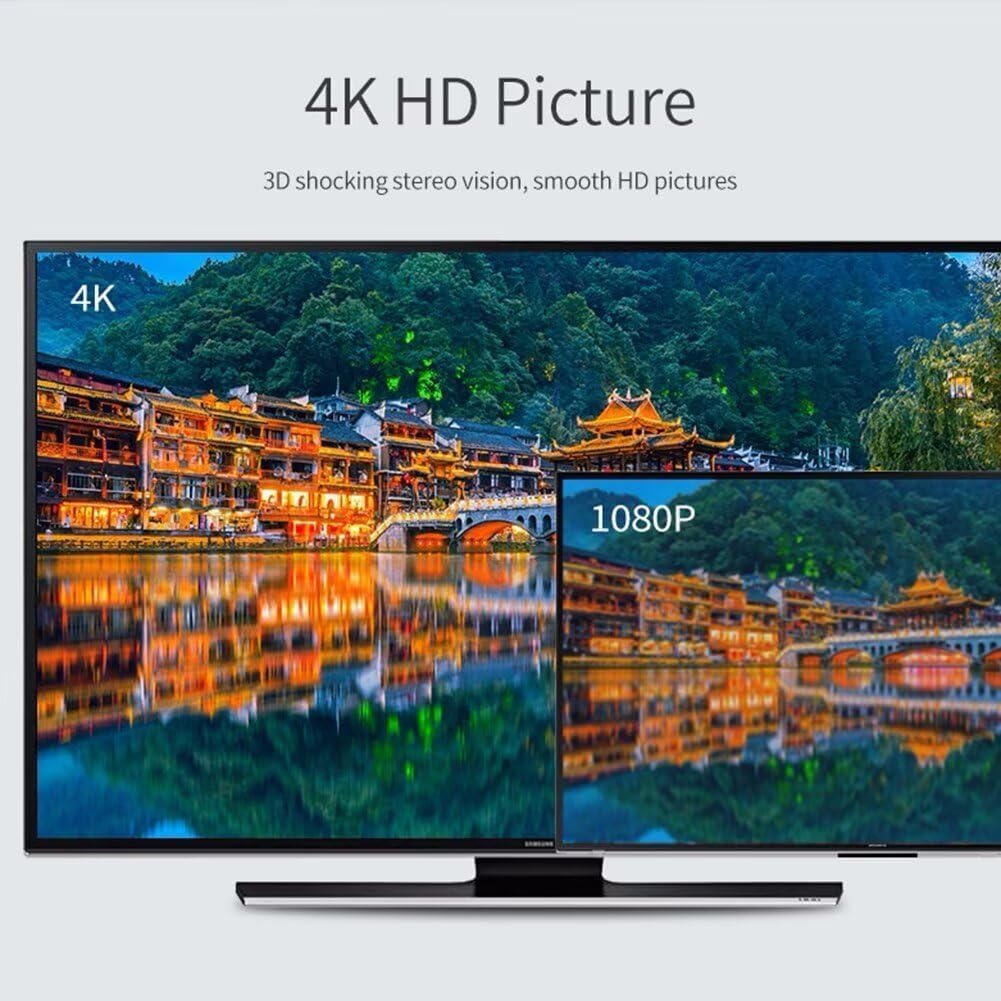
4K high definition:The Wi-Fi display adapter can display the small screen of the phone, tablet PC or laptop to big screen devices such as HDTV or projector, high definition up to 4K, is 4 times that of 1080P, which is about 9 times that of 720P.
DUAL CORE CHIP :You must don’t want to face a freezing screen while you’re watching movie or play game. This wifi display receiver build-in a latest dual core chip, preventing your streaming from dropping signal or cutting out. No issue with lag and freezing up. Makes your streaming stable
EASY TO USE AND INSTALL :Plug and play, no need download any software driver or APP for this TV adapter, 3 steps to enjoy yourself on large screen.Plug it into TV’s HDMI interface, then use 5V/1A or 5V/2A power supply, finally choose the Miracastor DLNA mode with Instructions.