
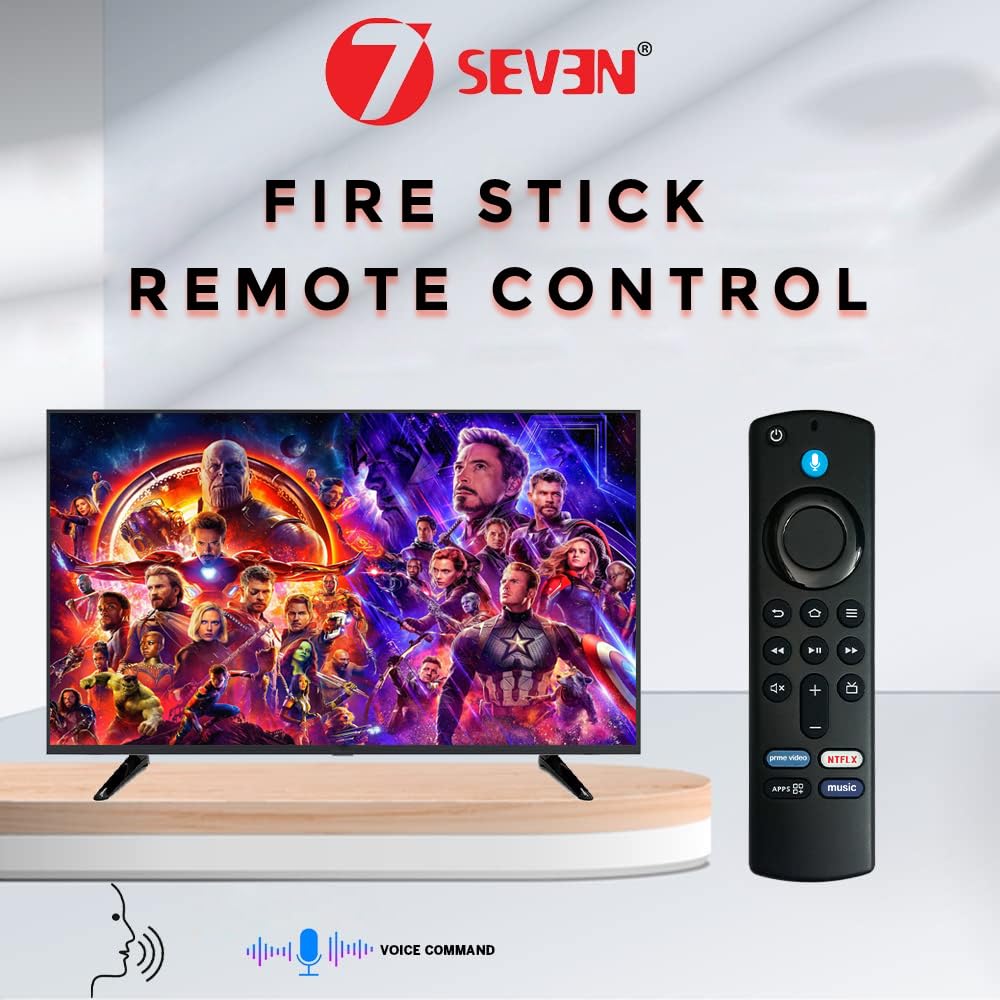
7SEVEN® Compatible with FireTv Stick Remote of Original Model L5b83G S3L46N 3rd Generation Fire Stick 4K Device with Voice Command Control Only – Follow Pairing & Troubleshoot Steps to Enable Alexa
 RP GROUPS




Price: ₹2,999 - ₹410.50
(as of Jan 29, 2026 08:10:56 UTC – Details)
Bluetooth Connectivity: Experience seamless control with the Amazon Fire Stick 3rd Generation remote, featuring Bluetooth connectivity for instant pairing. This fire tv remote offers enhanced stability, ensuring a flawless connection to your Amazon Fire TV.
Voice Command Integration: Utilize the power of voice with this firestick remote original. The built-in mic allows you to navigate your Amazon Fire TV stick with ease, using Alexa for voice commands to search and control your media effortlessly.
How to Pair: There are 3 Method’s to get pair 7SEVEN remote control with FireTv Stick Device. Method 1: Simply hold Home Key for 10-15 seconds within 3 meters distance and get paired, if not paired Opt Next process. Method 2: Step 1: Restart your Fire TV Stick:Unplug the Fire TV Stick and plug it back in 60 seconds later. Step 2: Reset the remote (for some models):Press and hold Back + Menu + Left on the navigation ring for 10 seconds, then hold the Home button for 10 seconds. Make sure the remote is within 10 feet (3 meters) of the Fire TV Stick. If Second Method also not get paired then Opt Final Process.
Method 3: Install Fire tv app in your Smart Phone and make sure the Mobile and Fire tv stick are in the same WiFi network and logged in with the same amazon account. Once the network and mail id matches, You will be able to see the Installed fire tv stick’s name. You can then go on and connect the same. A passcode will appear in the TV screen which you should type in the mobile to connect. Once connected, the Fire tv app in the mobile can be used as a remote for Fire tv stick.
Using it, you should navigate to HOME-SETTINGS-CONTROLLERS & BLUETOOTH DEVICES-AMAZON FIRE TV REMOTES-ADD NEW REMOTE-Press home button in the new remote till remote’s light blinks continuously-new remote will show up in the TV screen-SELECT THE NEW REMOTE USING THE MOBILE APP.
【Troubleshooting Tip】 If you experience issues like non-functional volume buttons, Power On/Off not working, or inability to control your TV, it may be due to firmware incompatibility between the remote and your Fire TV Stick device. This is clearly explained and visually highlighted in our product descriptions. Please ensure your device firmware is updated and compatible with the remote version
Enhanced Compatibility: The Amazon Fire Stick 3rd Generation remote is compatible with various devices, including the fire stick 4k. This fire stick tv remote ensures you can enjoy your Amazon Fire TV stick 4k and other models with ease, enhancing your media experience.
PLEASE AVOID DROPPING THE REMOTE IN HARD FLOORS AS IT MIGHT LEAD TO REMOTE MALFUNCTION


![Dell 14, AMD Ryzen AI 5 340 6-core/12-thread Processor, 16GB LPDDR5X, 512GB SSD, FHD+, 14″/35.56cm, Win 11, MSO’24, Ice Blue, 1.52 Kg, [Dell 14], 300 Nits IPS, Backlit+FPS Keyboard, AI Powered Laptop](https://m.media-amazon.com/images/I/71C6FE71VbL._SL1500_.jpg)