
ACASIS USB C 3.2 SSD Enclosure for Apple Flash SSDs 12+16 PIN MacBook Pro,MacBook Air, Mac Pro, iMac and Mac mini from 2013 to 2017 Portable Storage Enclosure Compatible with M.2 Nvme SSD With adapter
 RP GROUPS





Price: ₹17,880.00
(as of Dec 21, 2025 22:27:17 UTC – Details)
Product Description


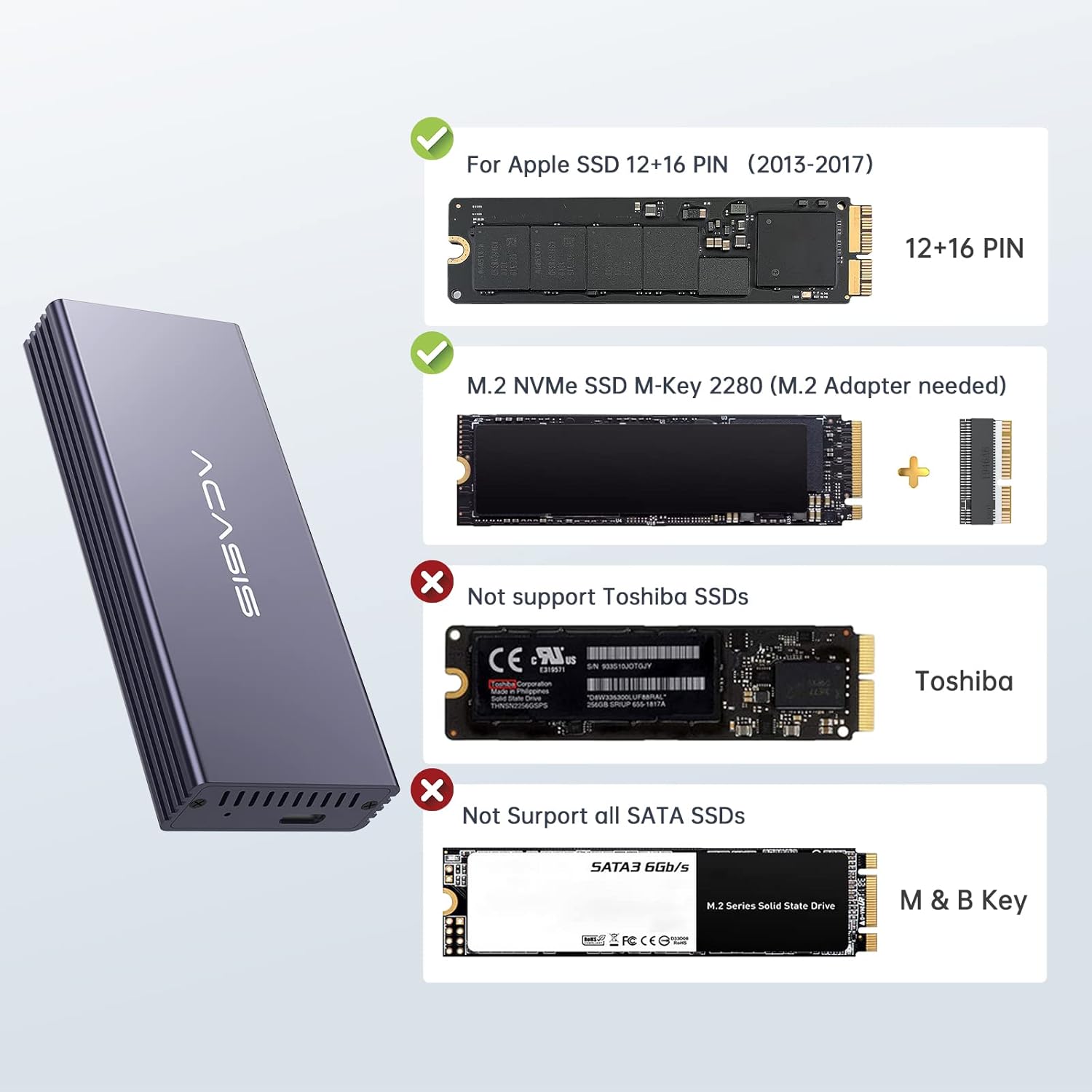
[Compatibility Guide – Verify Before Purchase] Works With: Original Apple 12+16-pin SSDs from 2013-2017 MacBook Air/Pro, iMac, Mac Pro. Includes an adapter for M.2 2280 NVMe SSDs. NOT Compatible: Toshiba-branded, third-party (OWC, Transcend) 12+16-pin SSDs, or ANY SATA SSDs. → Always check your original SSD brand in “About This Mac > System Report.”
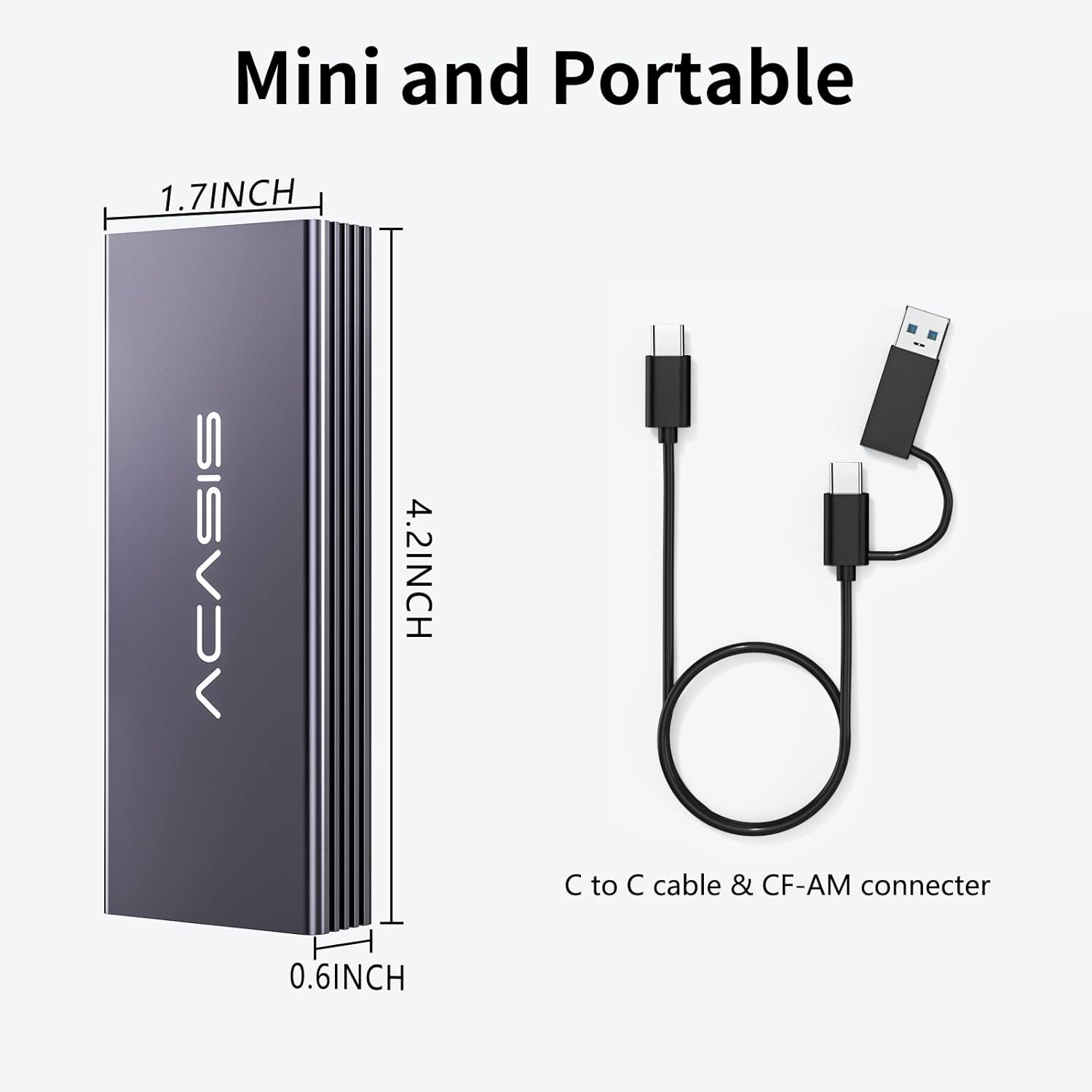
[Faster Data Transmission] 10Gbps transmission speed with USB 3.2 Gen2 interface. Save and transfer data in a seconds. It can also reach 20Gbps transmission speed with USB 3.2 Gen2x2 if the computer supports. Note: During large file transfers, the enclosure may become warm. For optimal stability, always install the PCB into the metal case and tighten the screws for effective heat dissipation. Avoid prolonged, continuous transfers of very large files.
[Secure Connection Guide] To prevent disconnections: 1. Proper Installation: Fully insert the SSD into the PCB until it clicks. You must reassemble the PCB into the metal case and tighten the screws—this is crucial for heat dissipation and a stable connection. 2. System Settings (Mac): Go to System Preferences > Battery & Power Adapter, and deselect “Put hard disks to sleep when possible.”
[System Requirements] ACASIS USB C 3.2 SSD Enclosure supports 2013-2017 MacBook Air, 2013-2015 MacBook Pro Retina, 2013-2014 iMac, 2013 Mac Pro. supports direct read on Mac OS, if using on Windows, you need to recreate the new file format
[Easy Installation] Just take out the PCB board from the enclosure,then fully insert SSD to card slot of the PCB board, we advise you put PCB back into the enclosure and tighten the screws to use. So it can get effective heat dissipation or it will disconnected in your Mac or PC. Plug and play, support hot plug.On Windows OS, hard disk will not available on “This PC”/ “My computer”, please find your drive from “Disk Management”.